

The All-in-One Online Studio for Professional Video Presentations
Slideator is an AI-driven, research-oriented ecosystem that transforms traditional presentations into interactive video knowledge. Designed for educators, students, content creators, and business professionals, Slideator allows you to record video presentation online free directly from your web browser — with zero software installation required.
Everything You Need in One Unified Workspace
Unlike basic screen recorders or rigid video editors, Slideator integrates slide design, live recording, interactive annotations, and structured hosting into a single web application. Whether you need to record lectures online free, prepare a student project video, or host a live webinar, Slideator manages the entire presentation lifecycle.
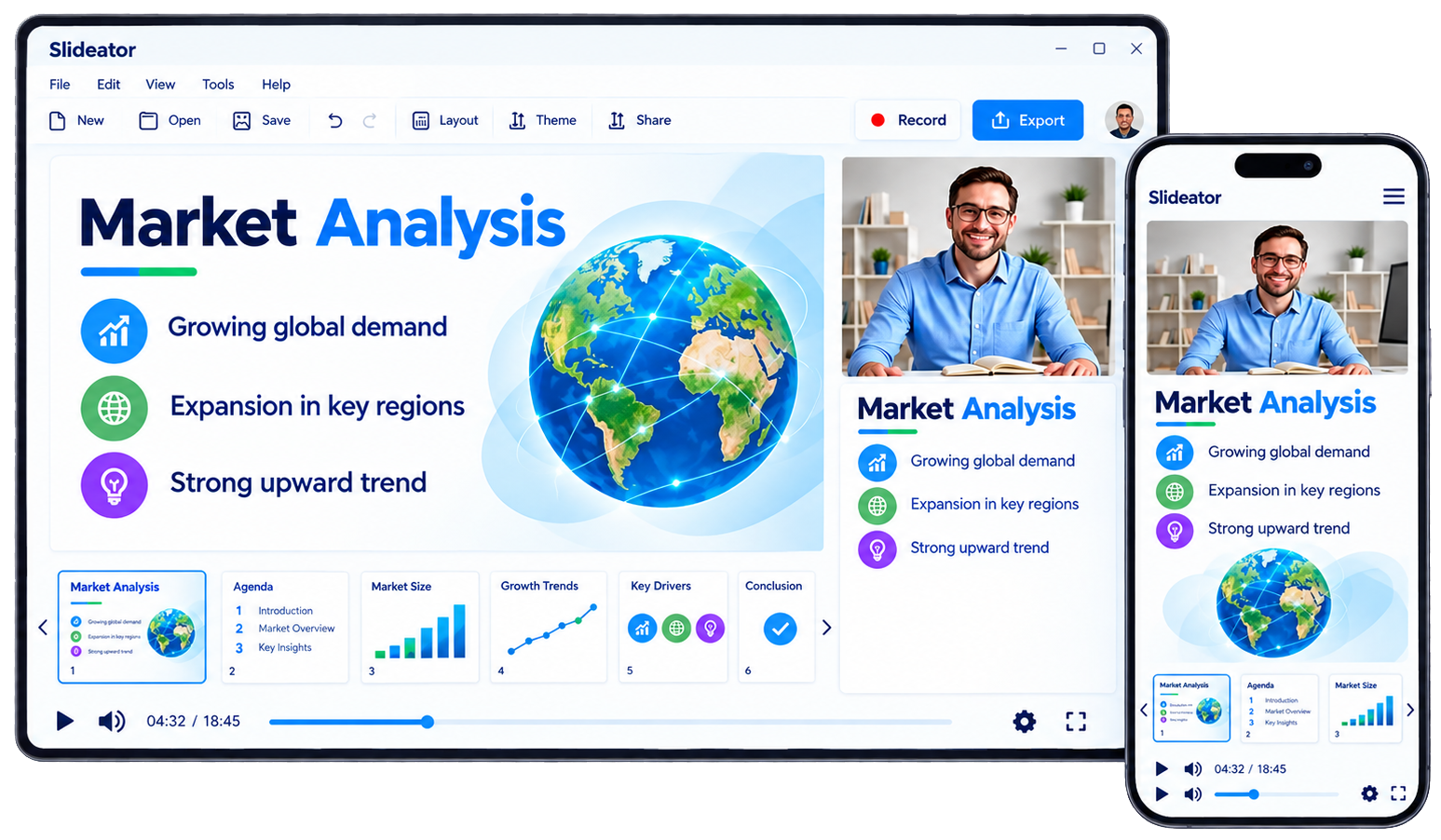
With Slideator, you can easily record presentation with webcam and audio simultaneously. You can import existing PowerPoint (PPTX), PDF, or Google Slides files, or build clean presentation decks using Slideator's built-in slide designer. While recording, real-time drawing pens, a digital whiteboard, and flexible camera layouts allow you to highlight crucial data points and keep your audience focused.
The Five Pillars of the Slideator Platform
1. Online Video Presentation Studio
Record your webcam, voice, and presentation slides in high definition. Enjoy smooth picture-in-picture modes, real-time screen sharing, and automated audio-video synchronization directly in your browser.
2. AI Narration & Scripting Assistant
Struggling with what to say? Slideator's integrated AI narration assistant generates structured voice-over scripts based on your topic and target audience. Convert scripts into natural-sounding AI voice narration or use them as teleprompter guides during live recording.
3. Live Session Scheduling & Streaming
Schedule interactive live sessions, workshops, or virtual office hours. Broadcast directly to participants with automatic session recording, ensuring every attendee gets an instant replay link.
4. Digital Slide Designer
Create visual slides directly within the platform. Utilize responsive layouts, clean typography, and visual assets without needing external slide software like PowerPoint or Canva.
5. Knowledge Hub & Portfolio Creator
Organize your video recordings, written knowledge posts, and lesson materials into searchable channels. Build a personal academic or professional portfolio to showcase your expertise to students, colleagues, or employers.
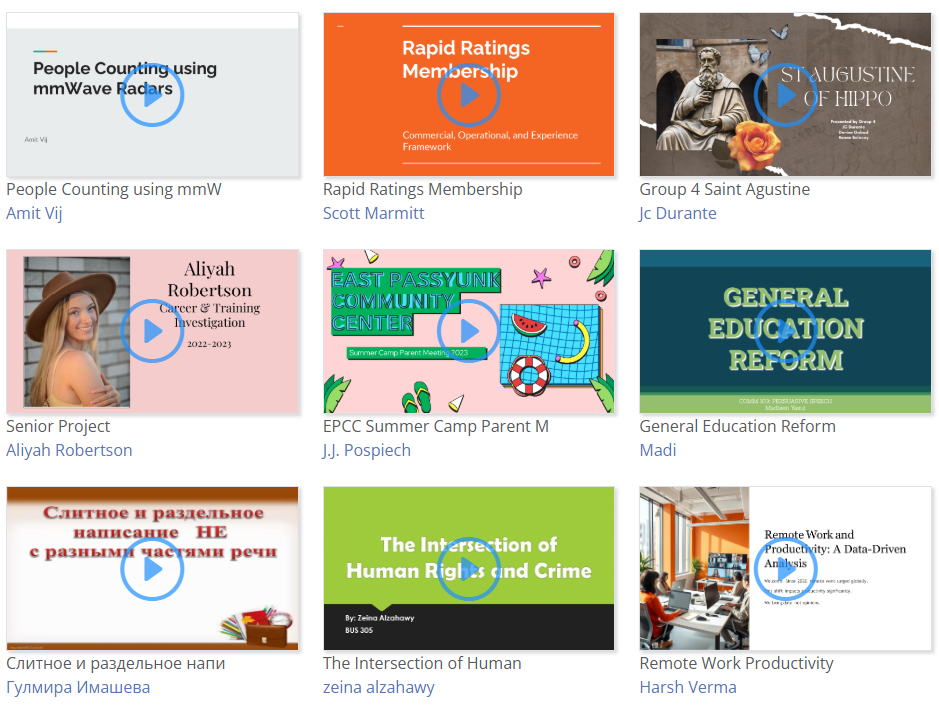
How Slideator Compares to Traditional Tools
| Feature / Task | Traditional Methods (PowerPoint / Zoom) | With Slideator Workspace |
|---|---|---|
| Installation Requirements | Heavy desktop apps or complex browser plugins | 100% Web-Based — Runs instantly in browser |
| Webcam + Slide Sync | Cumbersome exports (e.g., save PowerPoint as video on Mac) | Instant record presentation with webcam and audio |
| Scripting & Voiceover | Manual writing or external AI voice tools | Built-in AI script generation & natural voiceover |
| Live Scheduling | Separate Zoom/Teams links and manual recordings | Integrated live hosting with automatic replay archive |
| Content Distribution | Large file attachments or third-party video hosts | One-click lightweight web link sharing |
Frequently Asked Questions
Do I need to download or install any software?
No. Slideator runs entirely within standard modern web browsers (Chrome, Safari, Firefox, Edge). There are no desktop downloads, extensions, or system administrative rights needed.
Can I record presentation with face and slides free?
Yes. Slideator allows you to capture your camera video feed alongside your presentation slides simultaneously at zero cost.
How to record a presentation on PowerPoint with face on Mac?
Rather than struggling with complex macOS permissions or attempting to save PowerPoint as video on Mac with missing audio, simply log into Slideator in Safari or Chrome, upload your PPTX, and capture your webcam overlay effortlessly.
Does Slideator support mobile devices and tablets?
Yes. You can access the Slideator online studio from Android devices, iPhones, and iPads to record lectures online free or present on the go.
What file types can I upload to Slideator?
Slideator supports Microsoft PowerPoint (.pptx), PDF documents, and Google Slides presentations, making it easy to convert existing decks into interactive videos.
Slideator is a research-driven academic platform created as an independent project to support educators, students, and knowledge sharers worldwide. A generous free plan is available for everyone, with optional premium plans for users who need higher limits and additional features. Every upgrade helps support the project's continued development and keeps the free plan available to the community.
Ready to Transform Your Presentations?
Join educators, students, and professionals around the world sharing knowledge with Slideator.
Launch Studio Free Today