

Scale Asynchronous Corporate Training in Your Browser — No Software Installs
Empower subject matter experts and L&D teams to record, structure, and deliver interactive video presentations effortlessly. Cut training costs and speed up employee onboarding with zero IT friction.
"Slideator allowed our product managers and compliance officers to record training modules directly from their browsers. We eliminated expensive video production and cut new-hire onboarding time in half."

Built for Every Stage of Corporate Learning
1. Subject Matter Expert (SME) Video Authoring
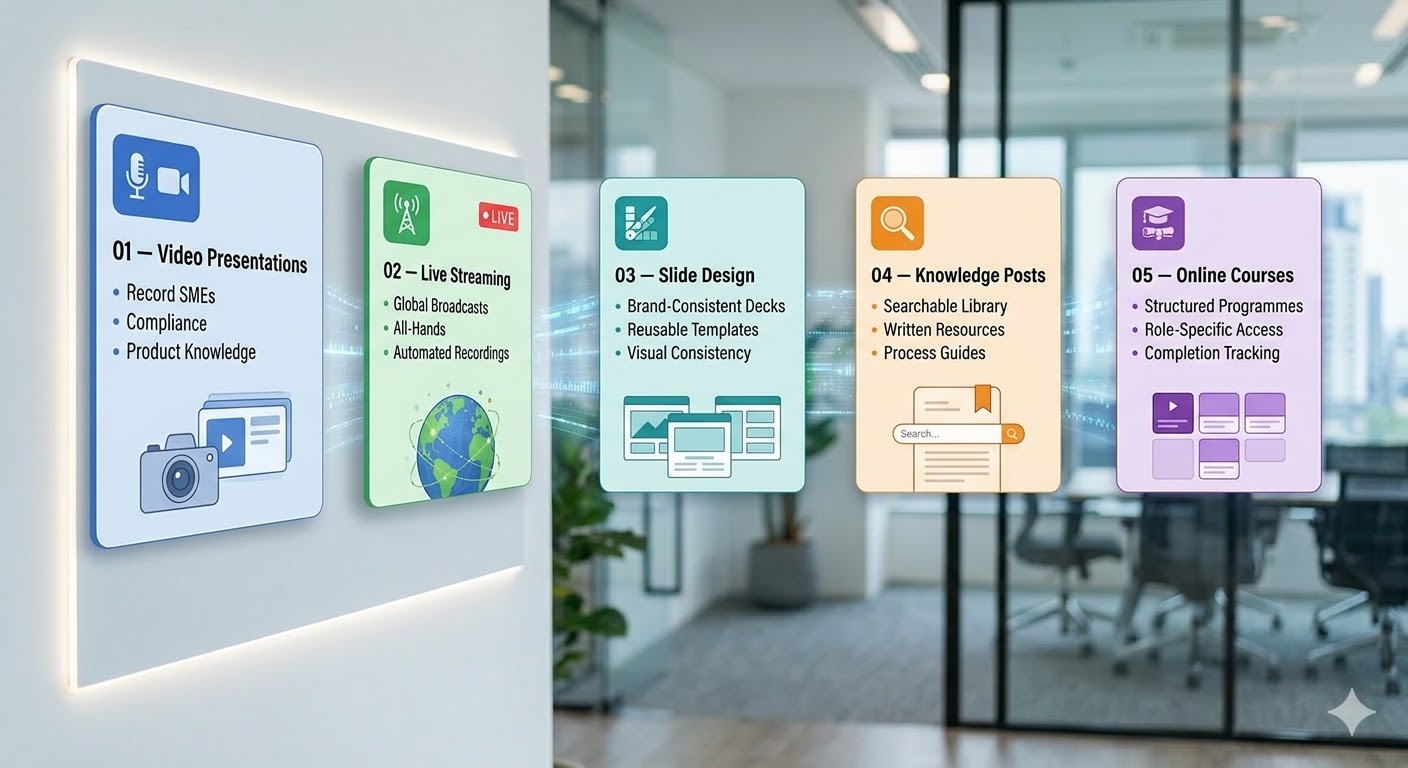
Turn internal experts into video creators. Employees can upload PowerPoint or PDF decks and record voice and webcam narration directly inside Chrome or Edge — without waiting on creative teams or video editors.
2. AI-Assisted Scripts & Policy Summaries
Convert long compliance decks and technical documentation into concise training scripts automatically. Slideator's built-in AI helps trainers structure lessons and generate searchable text summaries for quick reference.
3. Synchronized Interactive Navigation Bar
Give employees full control over their learning. Slideator's synchronized thumbnail timeline lets team members jump straight to key slides or specific policy chapters without scrubbing through hours of video.
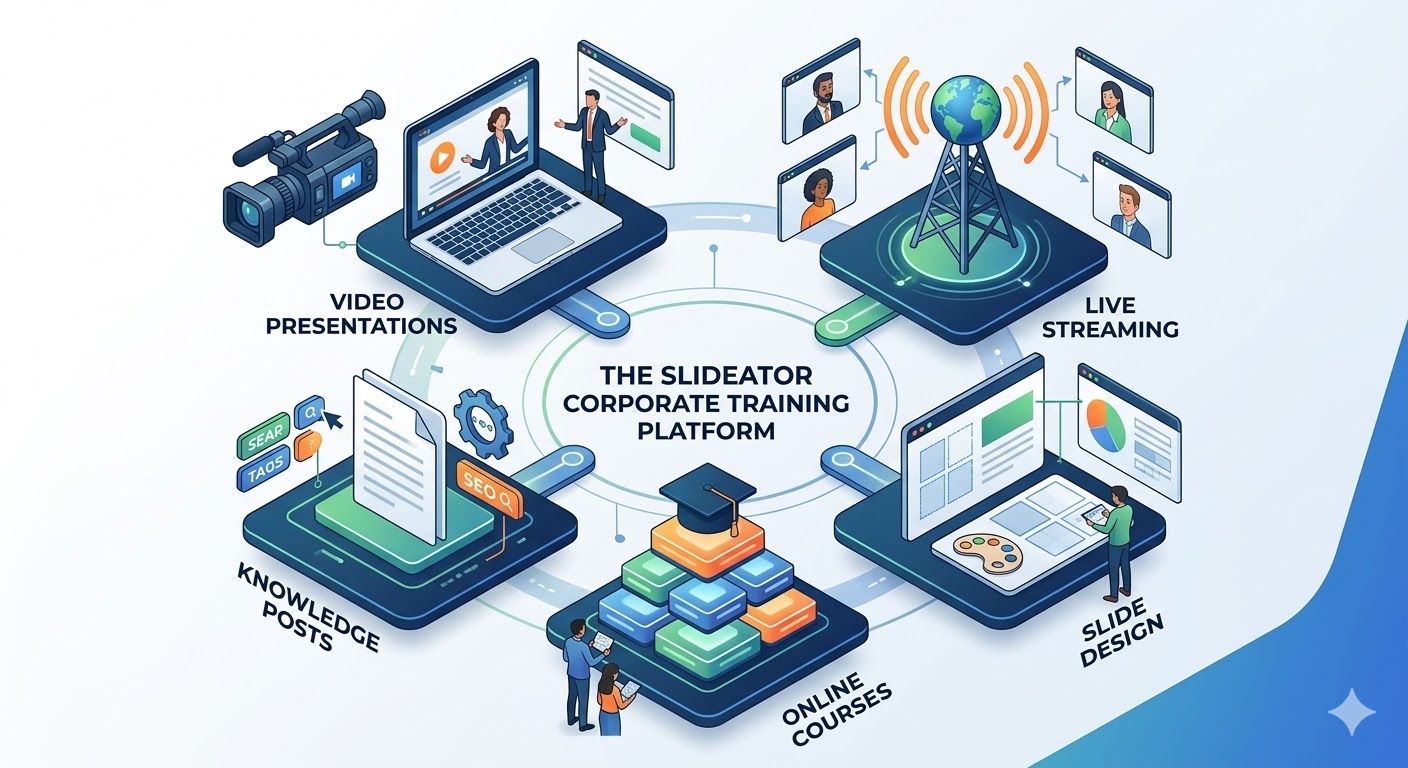
4. Role-Based Knowledge Hubs & Live Streaming
Host live internal announcements, stream all-hands workshops, or organize asynchronous modules into role-based training channels for sales, engineering, and HR compliance.
Training ROI: Traditional L&D vs. Slideator
| Training Use Case | Traditional Legacy Approach | The Slideator Advantage |
|---|---|---|
| New Hire Onboarding | Repetitive live sessions & stagnant PDFs | On-demand, interactive video courses ready Day 1 |
| Compliance Updates | Ignored mass emails & bulky slide decks | Narrated video modules with visual chapter jumps |
| Product Knowledge | Time-consuming external video production | Instant browser recording by internal product SMEs |
| Global Remote Teams | Time-zone conflicts & live attendance friction | Asynchronous video hub + auto-recorded live streams |

Deploy Corporate Training in 4 Easy Steps
- Upload Assets: Import your existing corporate PowerPoint or PDF presentations directly into your browser.
- AI Script & Record: Generate script outlines and record voice or webcam commentary with 1-click simplicity.
- Organize Channels: Structure videos and knowledge posts into secure, department-specific training programs.
- Share & Track: Distribute internal links or embed lessons directly into your corporate portal or LMS.
Frequently Asked Questions
Is Slideator secure enough for internal corporate training content?
Yes. Slideator provides strict privacy controls and access management to keep your proprietary corporate training videos and documents completely private.
Do employees need special permissions or software installs from IT?
No. Slideator is 100% web-based and runs smoothly inside Chrome, Firefox, Safari, and Edge without needing administrator access or software downloads.
Can non-technical employees create professional training content?
Absolutely. Slideator’s intuitive interface is designed for everyday business users, allowing any subject matter expert to publish clear video training in minutes.
Does Slideator integrate with our internal LMS or intranet?
Yes. Slideator generates clean embed codes and direct links that work seamlessly across enterprise intranet portals and learning systems.
Modernize Your Corporate L&D Infrastructure
Empower your team to record, organize, and scale internal video training today.
Get Started Free in Your Browser