

Record Video Presentations Online & Scale Content Marketing
Turn static pitch decks, case studies, and campaign presentations into high-converting video assets. Learn how to record video presentation online free directly from your web browser—no software downloads or video editing skills needed.
"Static PDFs and endless whitepapers no longer capture audience attention. By using Slideator to record video presentation online with synchronized slide thumbnails, our organic engagement and inbound demo requests increased dramatically."

Transform Static Decks into High-Converting Video Campaigns
Browser-Based Recording Without Software Installs
Whether you need a presentation recorder with webcam support for product reveals or a quick video presentation app for social media clips, Slideator operates entirely in standard browsers like Chrome, Safari, Edge, and Firefox. Simply upload your slides, enable your webcam, and start speaking.
AI-Powered Scripting & Synchronized Timeline Navigation
Draft compelling video scripts instantly with integrated AI assistance. Once published, your prospects can browse your presentation with face and audio through an interactive thumbnail bar—skipping directly to key value propositions or case study results.
Live Streaming & On-Demand Webinars
Host product demos, interactive webinars, and customer education sessions live. Broadcast seamlessly to your audience and automatically generate indexed on-demand recordings for continuous lead capture.
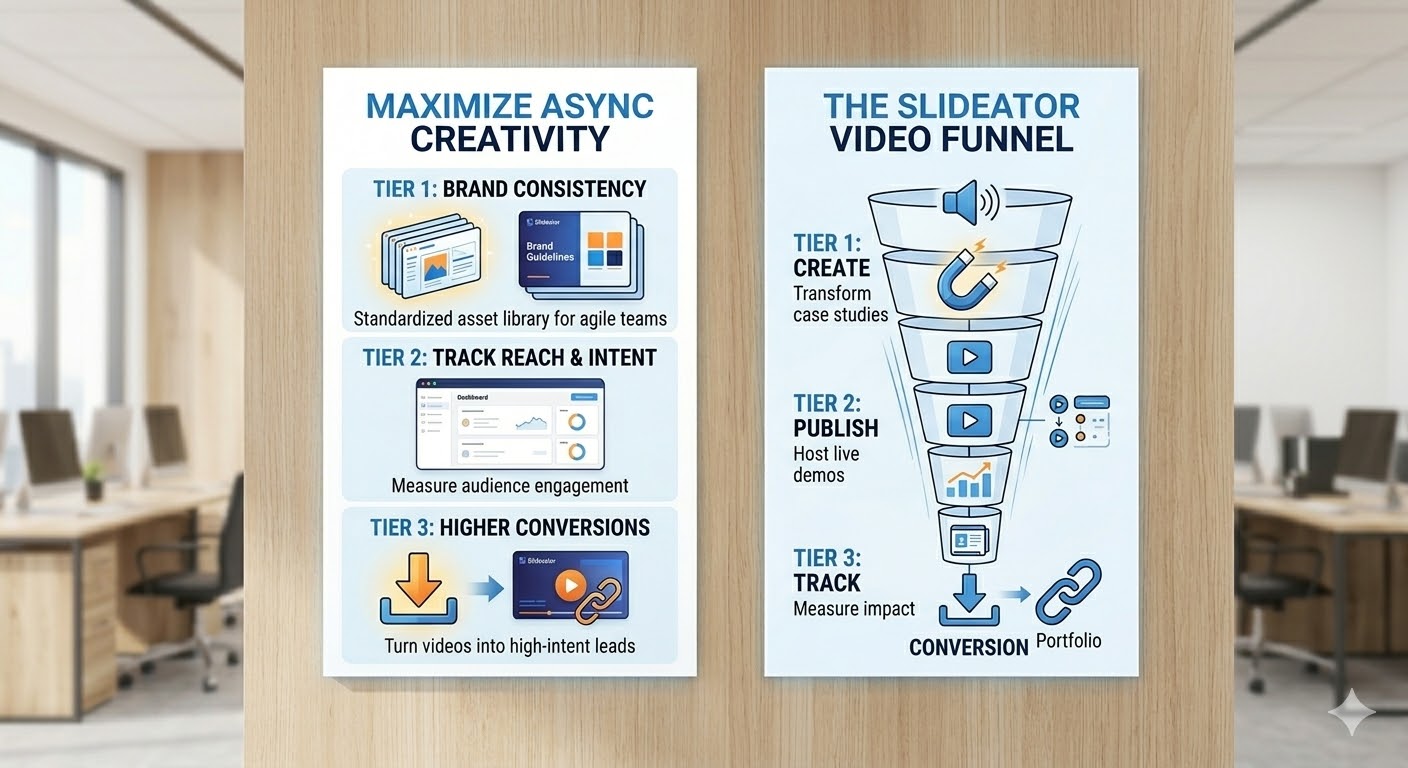
Comparing Marketing Video Production Workflows
| Workflow / Tool | Production Speed & Experience | The Slideator Advantage |
|---|---|---|
| Heavy Video Editors (e.g., Camtasia) | Slow rendering, requires specialized editing skills | 100% browser-based with instant recording & export |
| Standard Screen Recorders (e.g., Loom) | Generic screen capture without interactive navigation | Synchronized slide thumbnails & interactive visual chapters |
| Native Desktop Slides (e.g., PowerPoint) | Large file exports, difficult to stream online | Record powerpoint video presentation webcam online free |
| Static Content Marketing (PDFs) | Low engagement, easy to ignore in inbox | Record presentation with audio and video for 3x higher retention |
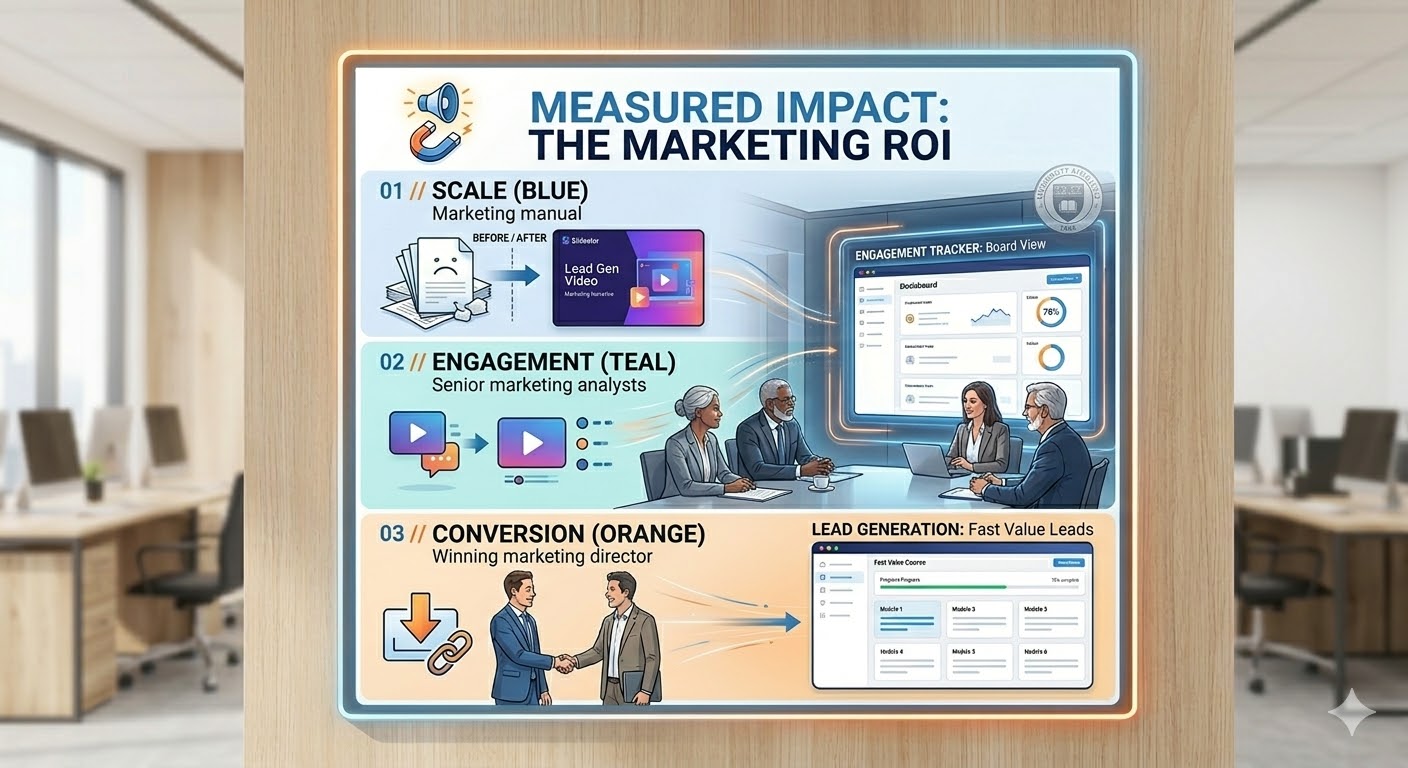
How Marketing Teams Use Slideator Across the Funnel
- Product Launches: Deliver narrated product walkthroughs that explain complex software features with visual clarity.
- Lead Generation: Record presentation with webcam and slides as gated lead magnets to collect target contact information.
- SEO & Thought Leadership: Publish searchable knowledge posts and video guides that drive organic search traffic 24/7.
- Customer Education & Adoption: Produce on-demand video tutorials that improve feature adoption and reduce churn.
Frequently Asked Questions
How to video record yourself presenting a PowerPoint on laptop?
To record yourself presenting on a laptop, open Slideator in your browser, upload your PowerPoint deck (PPTX or PDF), grant permission for your webcam and microphone, and click record. You can present your slides smoothly while your face is recorded in an adjustable webcam bubble.
Can I record powerpoint video presentation webcam free online?
Yes. Slideator offers a full-featured free tier that lets you record powerpoint video presentation webcam free directly in your web browser. There is no software installation required.
How to record a presentation on PowerPoint with face using Mac or Windows?
Instead of wrestling with native application export limits or OS-specific settings (like attempting to save PowerPoint as video on Mac), log in to Slideator on macOS or Windows. Upload your deck, record your narration with face-cam, and export or share an instant link.
How to video record yourself presenting a PowerPoint on phone or mobile?
Open Slideator on your iOS or Android mobile browser, upload your presentation slides, enable your mobile camera and microphone, and record your presentation on the go without installing extra apps.
Supercharge Your Content Engine Today
Start recording video presentations online free and boost your marketing engagement.
Record Your Video Presentation Free