

Record Interactive Video Lessons Right in Your Browser — No Downloads Needed
Transform static PDFs and PowerPoint decks into high-impact, narrated video presentations. Harness integrated AI scripting and interactive timeline navigation — completely free for educators.
"Slideator completely eliminated my technical headaches. I record lectures directly in Chrome, let the AI generate my summaries, and embed the interactive player directly into Canvas in under five minutes."
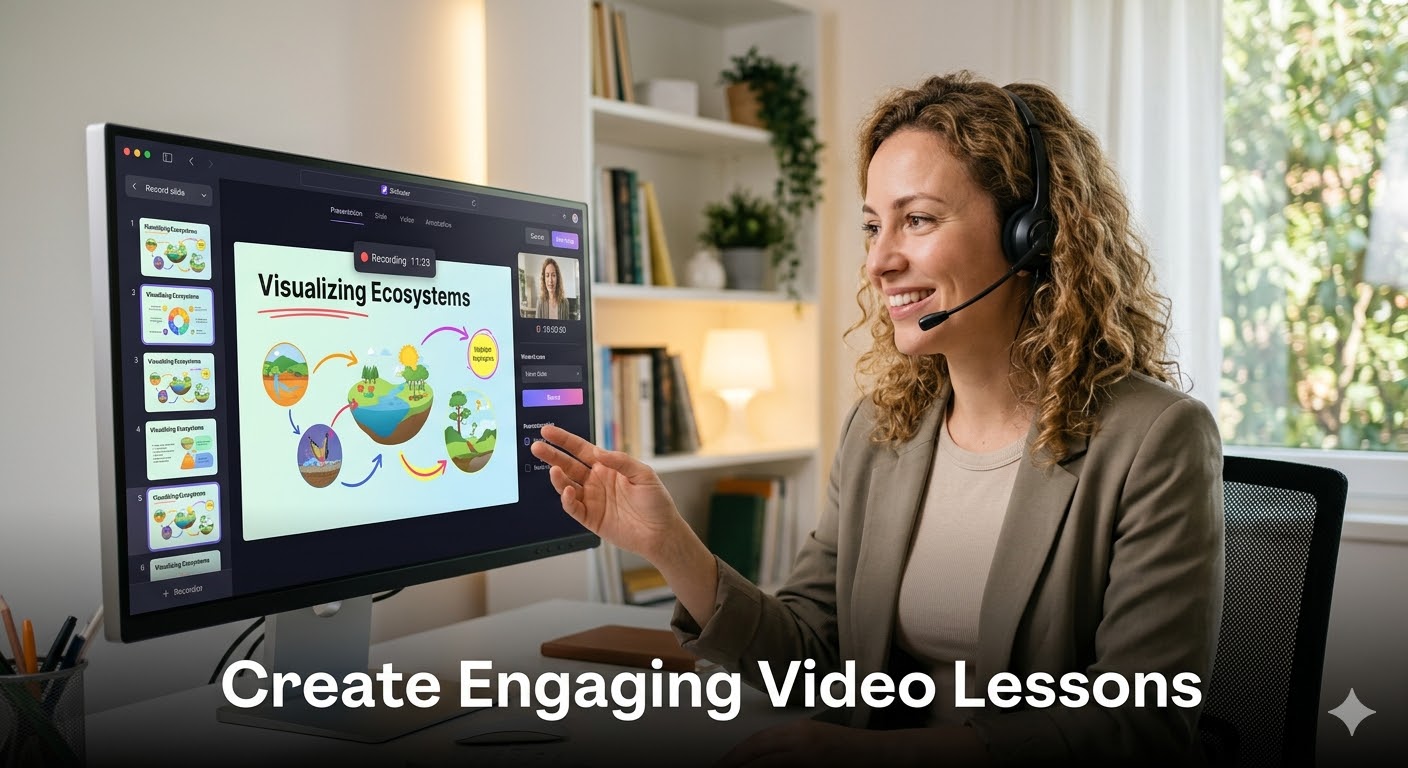
Why Educators Are Replacing Heavy Recorders with Slideator
100% Browser-Based Studio for Effortless Recording
Skip the 500MB software downloads, administrative computer permissions, and browser extension installs. Whether you need a simple presentation recorder with webcam or a way to record presentation with audio and video seamlessly, Slideator operates entirely inside standard web browsers like Chrome, Firefox, Edge, and Safari.
AI Assistant: Generate Lesson Scripts & Notes in Seconds
Draft lecture talk-tracks and lesson scripts effortlessly with integrated AI scripting tools. Slideator analyzes your uploaded slides to generate structured lesson outlines and study notes automatically.
Interactive Timeline: Synchronized Visual Navigation
Unlike flat video files, Slideator creates a dynamic dual-stream presentation. Students can jump to any specific slide via click-to-scroll visual thumbnails, keeping them in control of their self-paced learning.
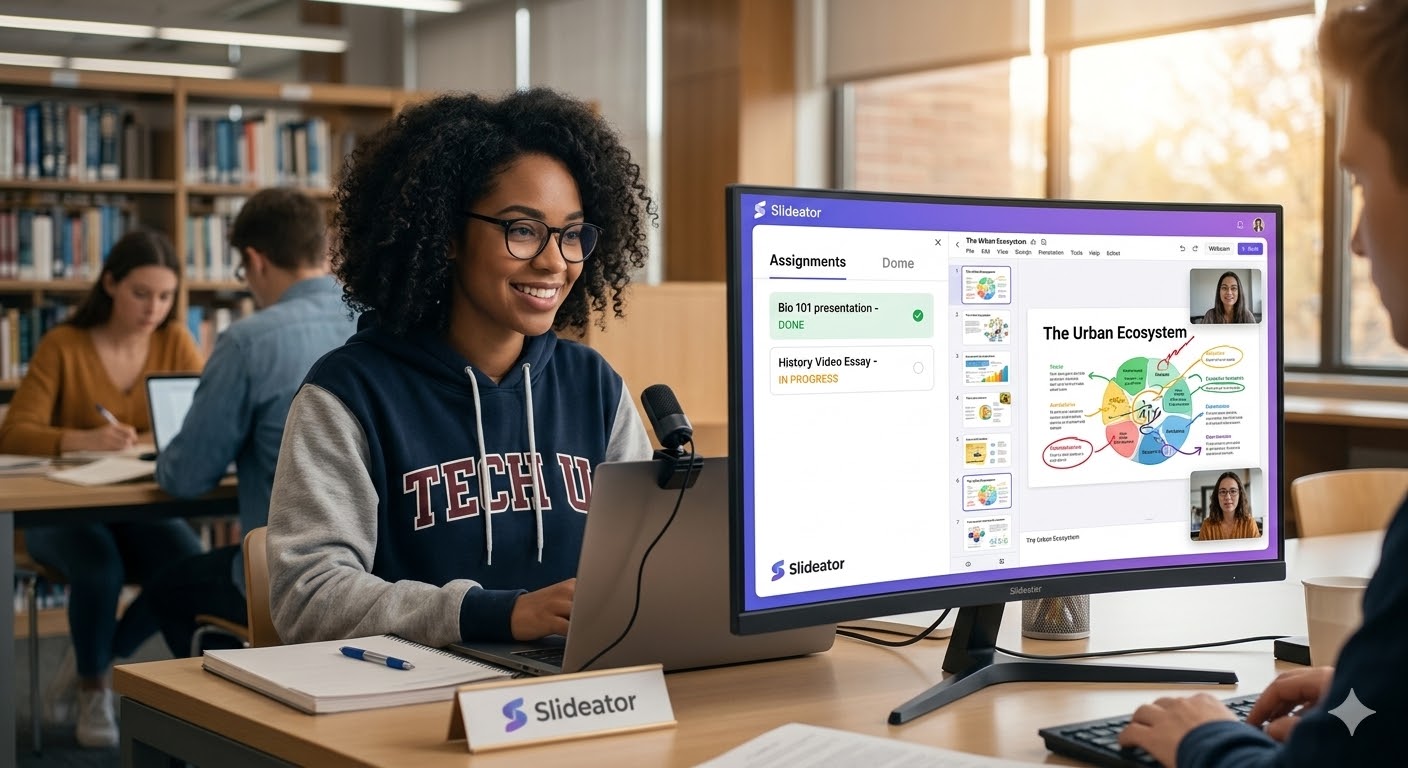
Feature Comparison: Slideator vs. Traditional Recording Tools
| Feature / Capability | Slideator | Loom | Camtasia |
|---|---|---|---|
| Installation Required | None (100% Web Studio) | Extension / Desktop App | Heavy Desktop Installation |
| Free Recording Freedom | Record video presentation online free | 5-Minute Free Limit | Watermarked / Paid Trial |
| Interactive Slide Navigation | Synchronized Thumbnail Bar | None | Complex Manual Edits |
| Webcam & Audio Support | Record presentation with face & slides | Basic Bubble Capture | Multi-track Desktop Setup |
| LMS Integration | Native LTI / Direct Embed | Limited Embed Options | File Export & Upload Required |
Effortless Integration with Your Favorite LMS
Slideator fits directly into your existing tech stack. Whether your institution relies on Canvas, Moodle, Blackboard, or Google Classroom, you can embed your interactive video lessons directly into your course modules with a simple copy-paste embed code.
Built for Every Teaching Environment
- K–12 Teachers: Create visual, bite-sized lessons that make abstract subjects tangible. Record once, reuse all school year.
- University Professors: Record lecture walkthroughs, research presentations, and seminar materials with synced slide navigation.
- Private Tutors: Build a reusable digital library of core topic explanations to scale tutoring outside hourly sessions.
- Language Instructors: Combine visual slides with recorded pronunciation guides so students can replay key phrases at home.
Frequently Asked Questions
How to video record yourself presenting a PowerPoint on laptop?
Launch Slideator in your browser, upload your PowerPoint deck (PPTX or PDF), activate your webcam and microphone permissions, and hit record. Slideator captures your webcam alongside your presentation slides with synced navigation.
Can I record powerpoint video presentation webcam free online?
Yes. Slideator offers a full-featured free tier that lets educators record powerpoint video presentation webcam free directly from any web browser without installing additional software.
How to record a presentation on PowerPoint with face using Mac or Windows?
Instead of relying on OS-specific desktop exports (like attempting to save PowerPoint as video on Mac), log into Slideator from Chrome or Safari on macOS or Windows. Upload your deck and record your narration with face-cam overlay in one step.
How to video record yourself presenting a PowerPoint on phone or mobile device?
Open Slideator in your iOS or Android mobile browser, upload your slides, grant camera/microphone access, and record your presentation directly on your phone or tablet.
Ready to Transform Your Teaching?
Join thousands of educators using Slideator to create better learning experiences — one video lesson at a time.
Start Creating Lessons Now