

Record Keynote Presentations Online & Expand Your Global Stage
Amplify your keynote impact far beyond the auditorium walls. Learn how to record video presentation online free directly from your web browser to create high-impact speaker demo reels, stream virtual keynotes, and sell online courses effortlessly.
"Every live keynote ends, but your reach shouldn't. By using Slideator as our presentation recorder with webcam support, event planners preview our signature talks 24/7, and our keynote content automatically generates recurring online course revenue."

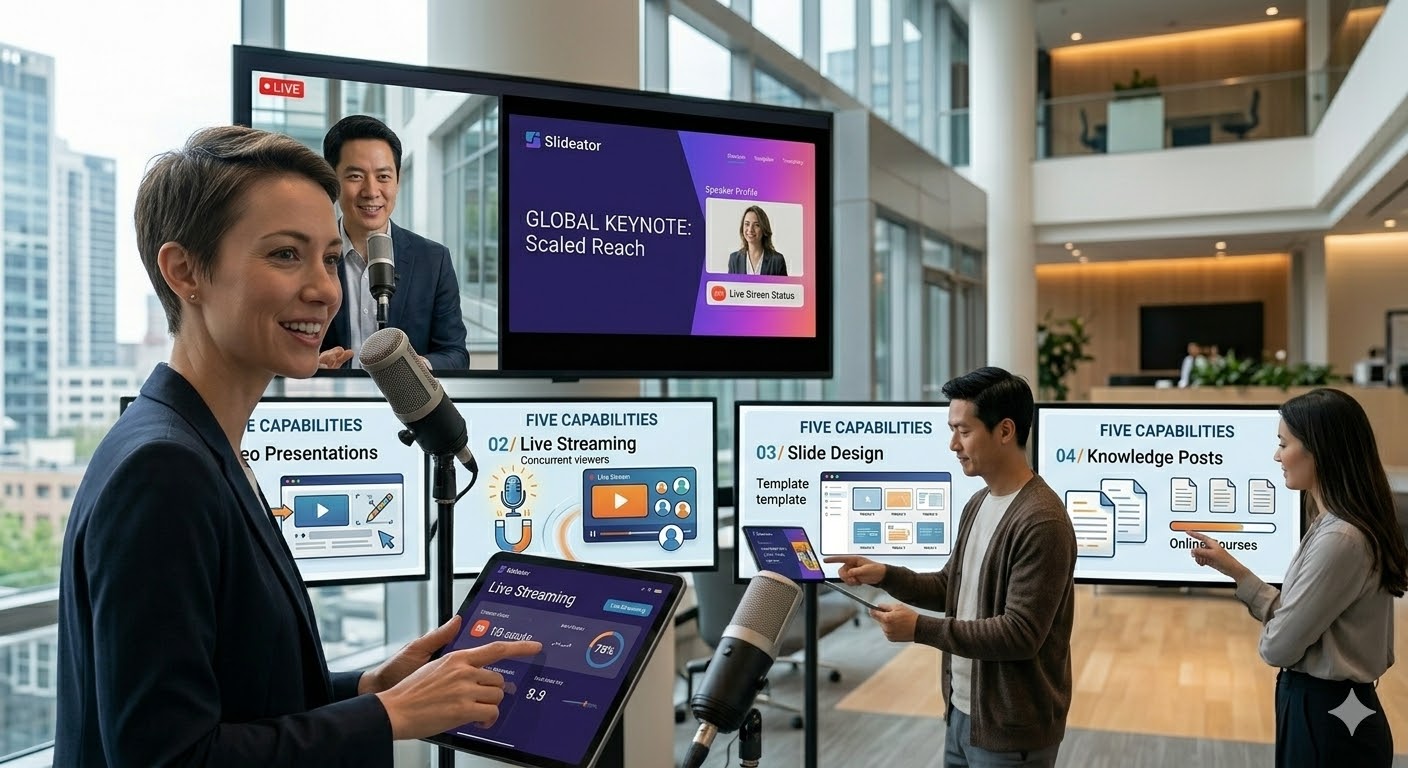
Translate Live Keynote Impact into a Monetizable Digital Asset
Browser-Based Studio for Speaker Demo Reels & Keynotes
Skip expensive video production crews and complex editing tools. With Slideator, you can record presentation with audio and video right in standard browsers like Chrome, Safari, Edge, or Firefox. Present your keynotes smoothly with face-cam overlay and crystal-clear sound.
Synchronized Slide Timelines & AI Scripting Support
Draft presentation talk-tracks using our built-in AI script generator. Published video presentations feature interactive, scrollable slide thumbnails synchronized with your timeline—allowing event organizers, speaker bureaus, and clients to skip directly to your crucial keynote takeaways.
Virtual Keynotes, Live Streams, & Monetized Courses
Host live virtual keynotes and online workshops globally. Transform your signature talks into recurring online courses, selling direct access to your intellectual property to audiences who cannot attend in person.

Comparing Speaker Recording Workflows
| Workflow / Tool | Production Speed & Experience | The Slideator Advantage |
|---|---|---|
| Traditional Video Crew | High cost, delayed post-production delivery | 100% browser-based studio; record and share instantly |
| Standard Screen Recorders (e.g., Loom) | Unstructured video output lacking slide context | Synchronized slide thumbnail bar & chapter navigation |
| Native Desktop Slides (e.g., PowerPoint) | Bulky video exports, limited web streaming options | Record powerpoint video presentation webcam free online |
| Static Media Kits / One-Pagers | Fails to demonstrate live stage presence or voice | Interactive video portfolio showcasing talk-track & face |
How Professional Speakers Monetize Content with Slideator
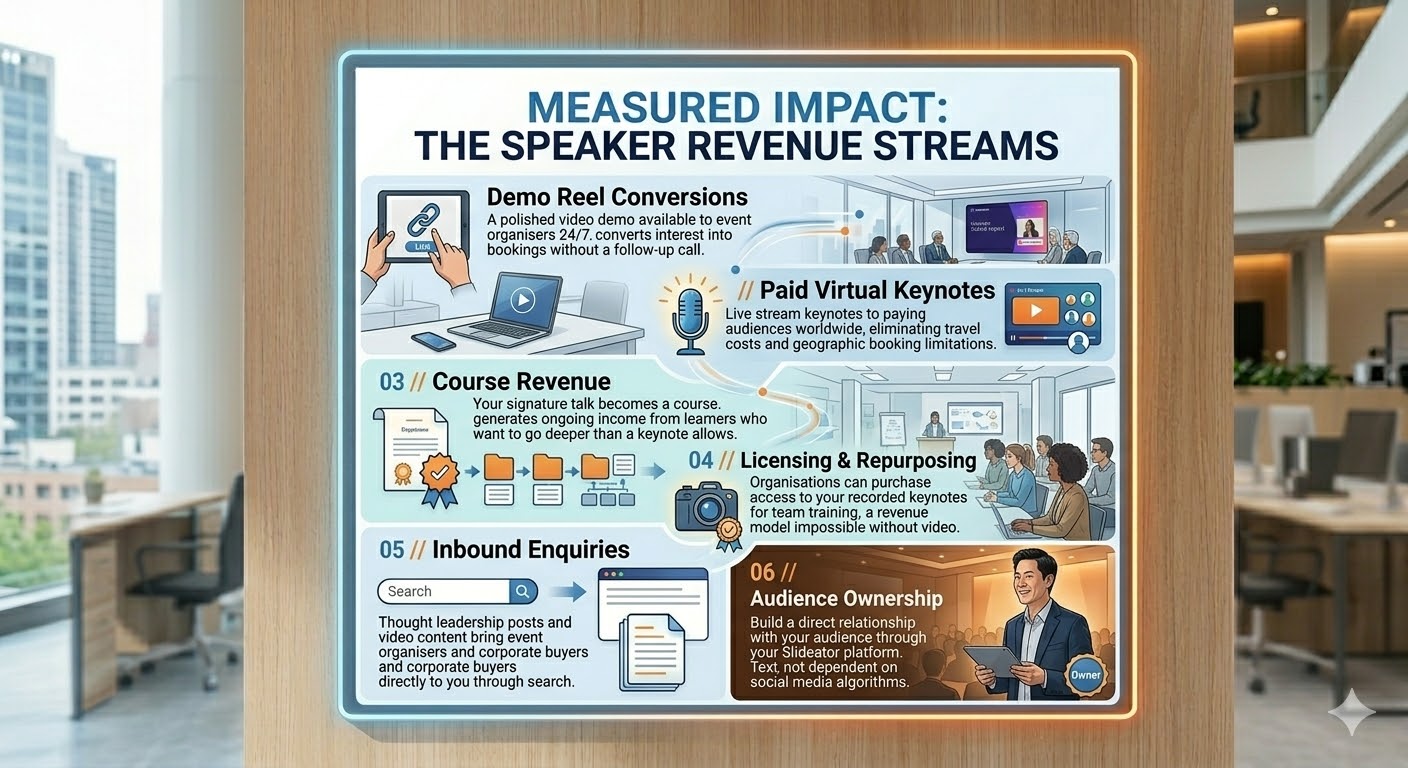
- 24/7 Demo Reel Access: Provide event bureaus and event planners an instant, high-definition preview of your stage presence.
- Paid Virtual Keynotes: Stream virtual keynote speeches globally without venue caps or travel logistics.
- Digital Course Monetization: Package keynote slides into self-paced online learning modules for ongoing passive revenue.
- Searchable Thought Leadership: Drive inbound booking inquiries via SEO-indexed knowledge posts and narrated slide decks.
Frequently Asked Questions
How to video record yourself presenting a PowerPoint on laptop?
To record a presentation on your laptop, launch Slideator in Chrome or Safari, upload your PPTX or PDF slides, activate your webcam and microphone, and hit record. Slideator captures your webcam alongside your presentation without needing external software.
Can I record powerpoint video presentation webcam free online for my speaker demo reel?
Yes. Slideator provides a robust free tier enabling you to record powerpoint video presentation webcam free directly from your web browser. It is ideal for producing professional demo reels and signature speech samples.
How to record a presentation on PowerPoint with face using Mac or Windows?
Rather than wrestling with local desktop exports (such as trying to save PowerPoint as video on Mac), simply log into Slideator from your Mac or Windows browser, upload your deck, and record your keynote with face-cam overlay in one smooth workflow.
How to video record yourself presenting a PowerPoint on phone or mobile device?
Open Slideator on your mobile browser (iOS or Android), upload your deck, enable mobile camera access, and record your presentation on the go—no app downloads required.
Take Your Keynote Beyond the Stage
Start recording your keynote video presentations online free and build your global speaker brand today.
Record Your Keynote Presentation Free