

One Workspace for Recording, Streaming, Designing, & Teaching
In today's digital landscape, communicating knowledge effectively requires more than static documents or basic slide decks. Whether you are an academic researcher presenting findings, a university instructor delivering course material, a student sharing a semester project, or a professional building brand authority — your communication tools dictate your reach.
For far too long, creators have been forced to juggle multiple disconnected applications: one tool to design slides, another to record video, a third to host and share, and another to build online courses. The result is a fragmented, time-consuming workflow. Slideator unifies this entire workflow into a single, intelligent web workspace.
What Is Slideator?
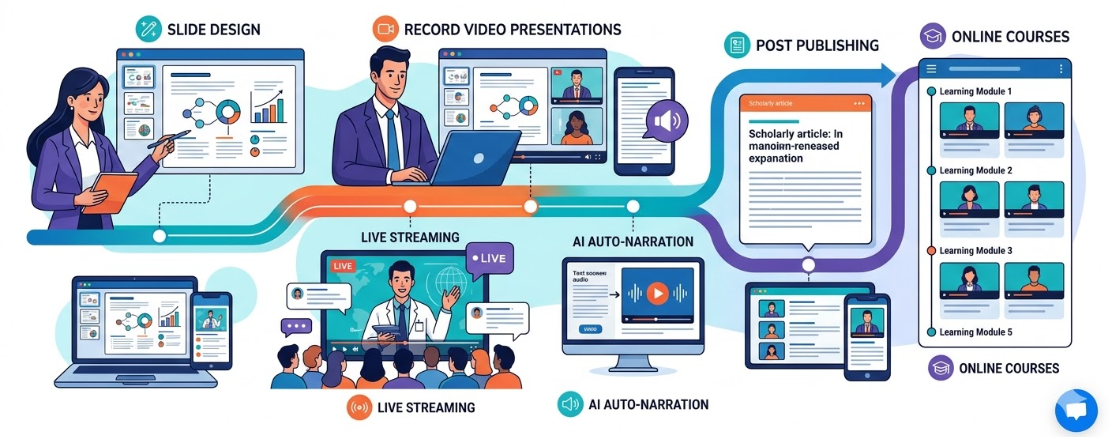
Slideator is an AI-powered knowledge-sharing ecosystem designed to empower educators, students, and professionals to record video presentation online free. From recording pre-recorded video presentations to broadcasting live sessions, designing professional slides, publishing written posts, and launching structured video courses — Slideator covers the full spectrum of modern digital content creation.
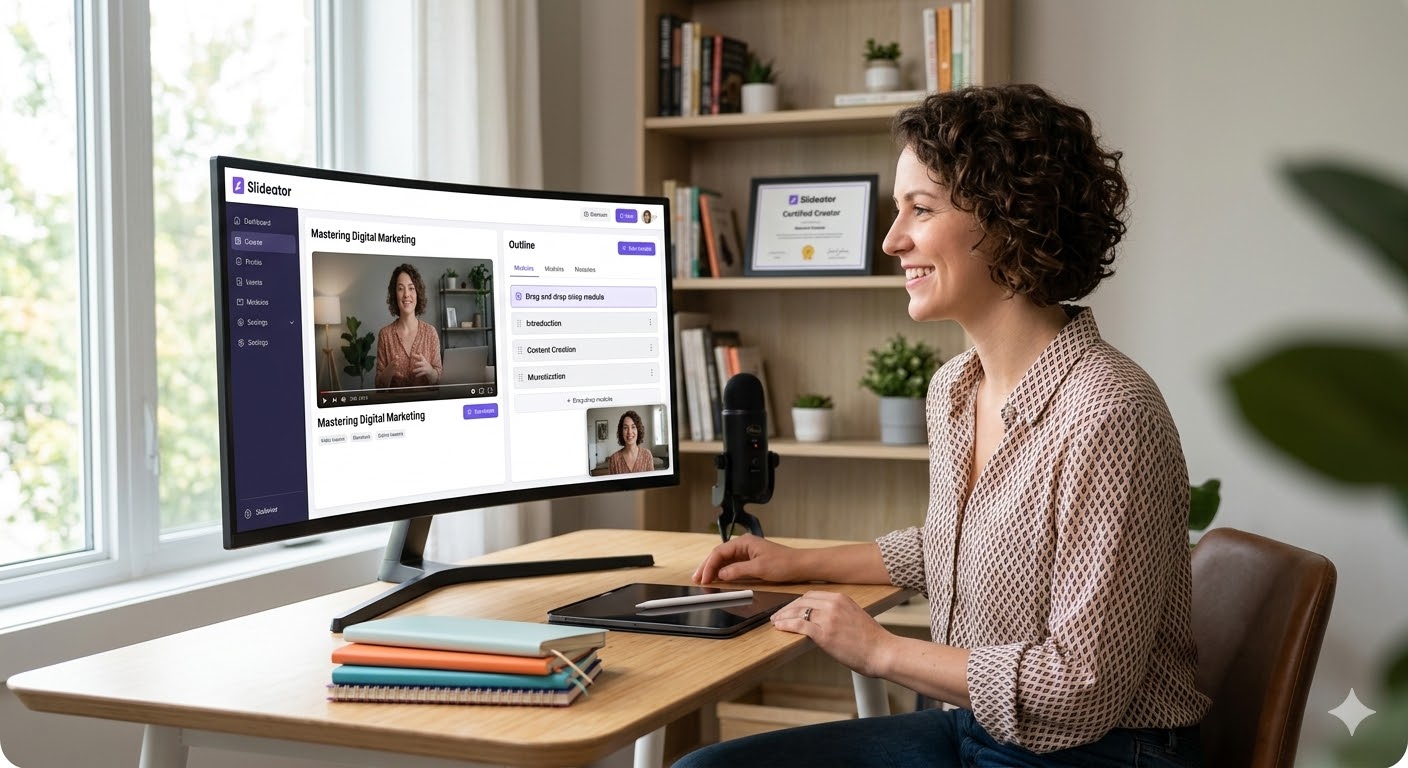
Five Essential Tools in One Platform
1. Pre-Recorded Video Presentations
At the core of Slideator is a purpose-built video presentation studio. Upload existing PowerPoint (PPTX) files, PDFs, or native Slideator decks to record presentation with webcam and audio simultaneously. The browser studio generates synchronized video presentations ready for immediate sharing without complex post-production or render times.
Slideator also features AI-powered auto-narration, generating clear, spoken audio from your script or presentation notes — ideal for creators looking to produce narrated video presentations efficiently without manually recording audio every time.
2. Live Streaming & Webinar Hosting
Broadcast your presentations in real time using Slideator's integrated live streaming interface. Host virtual lectures, workshops, webinars, or interactive Q&A sessions without downloading external software like Zoom or OBS. Live streams are recorded automatically, instantly providing your audience with replay access.
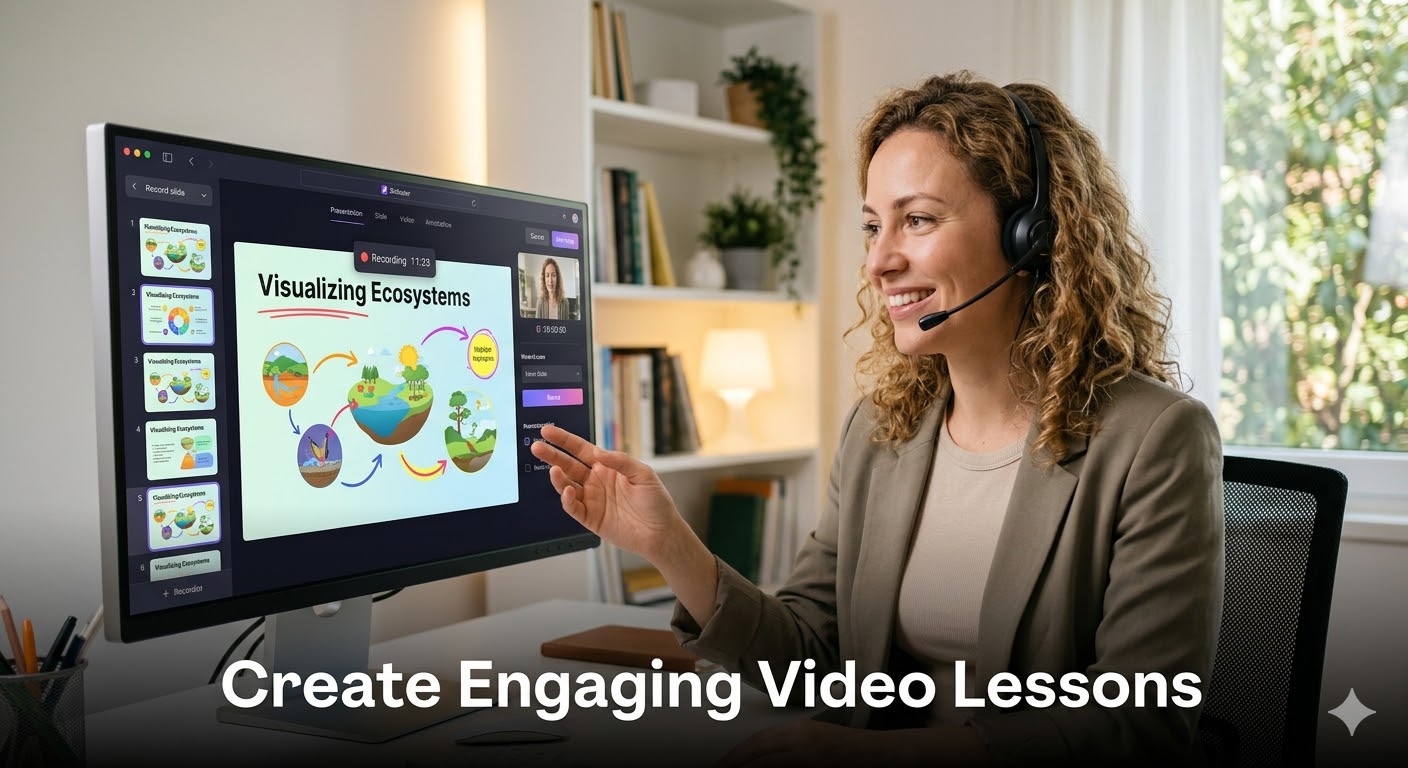
3. Native Slide Design Tool
Design visually clean, professional slides directly inside Slideator. Built on clean design principles, the internal slide maker lets you construct structured layouts, add imagery, and format text efficiently without navigating cluttered desktop design suites.
4. Post Publishing & Research Articles
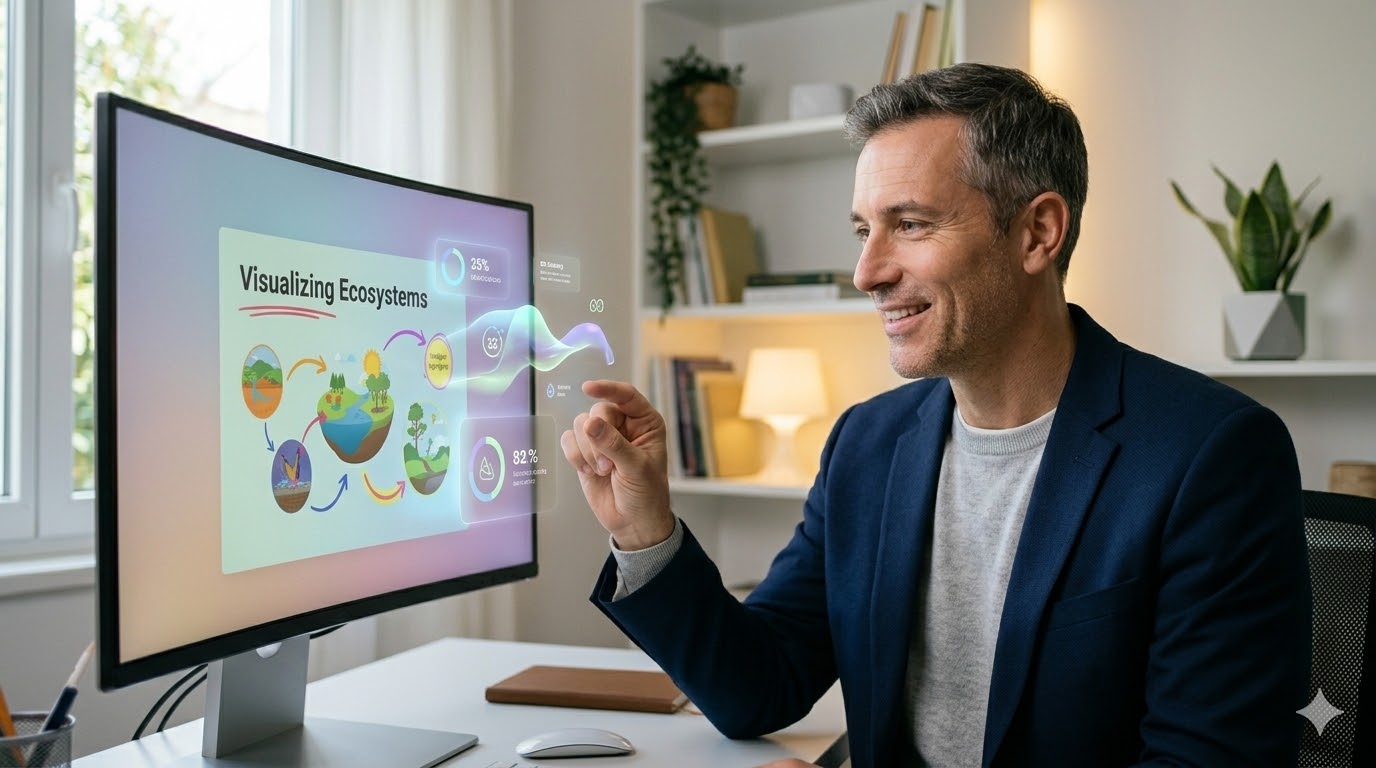
Combine written thought leadership with video. Use Slideator's article editor to publish research summaries, lecture notes, tutorials, or commentary alongside your video library to construct a multi-format personal portfolio.
5. Online Course Creation
Organize individual video presentations into structured online courses. Group recordings sequentially around specific topics or curricula to deliver guided learning experiences for students, clients, or remote teams.

Who Is Slideator For?
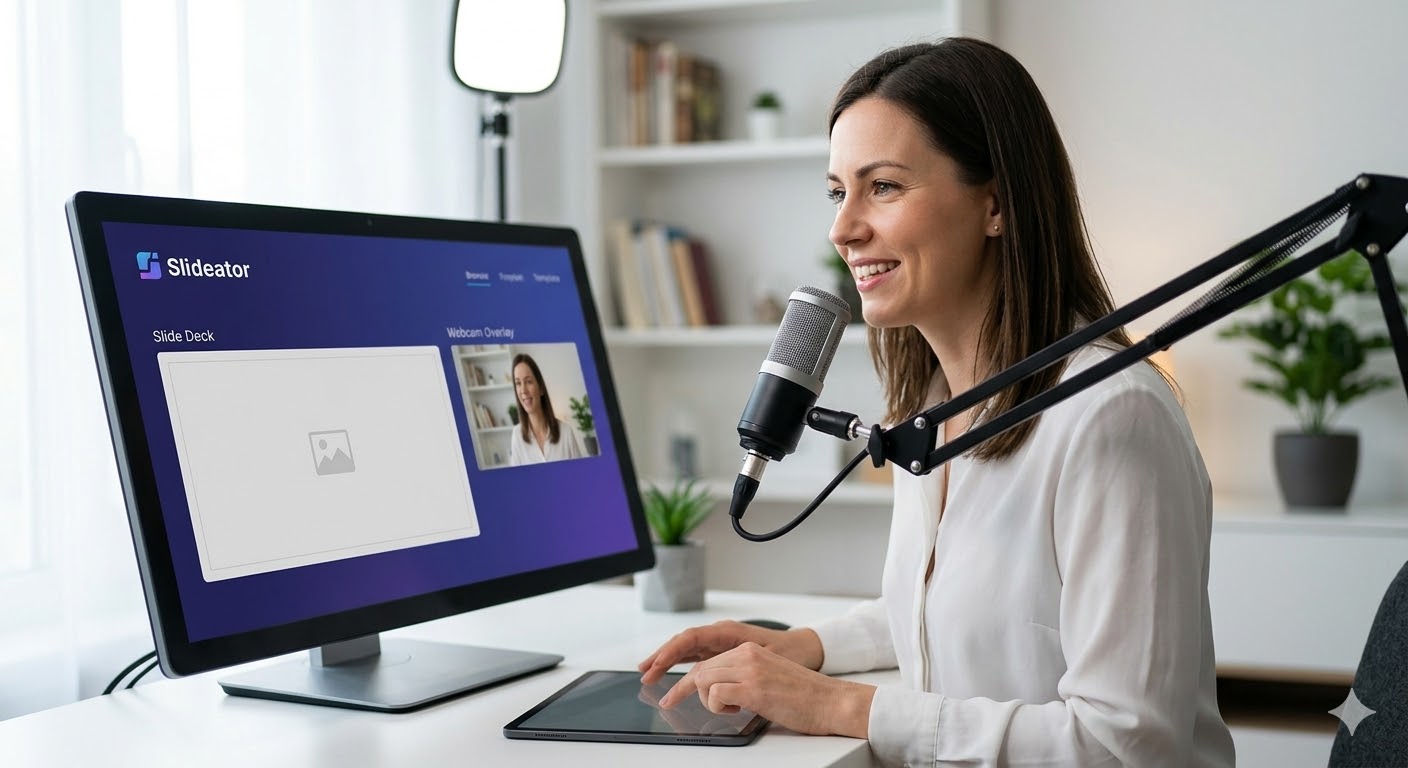
- Professors & Educators: Record lectures online free for asynchronous hybrid classes, host live office hours, and organize course video archives.
- Researchers & Academics: Present conference papers virtually, showcase published findings, and build a global academic presence.
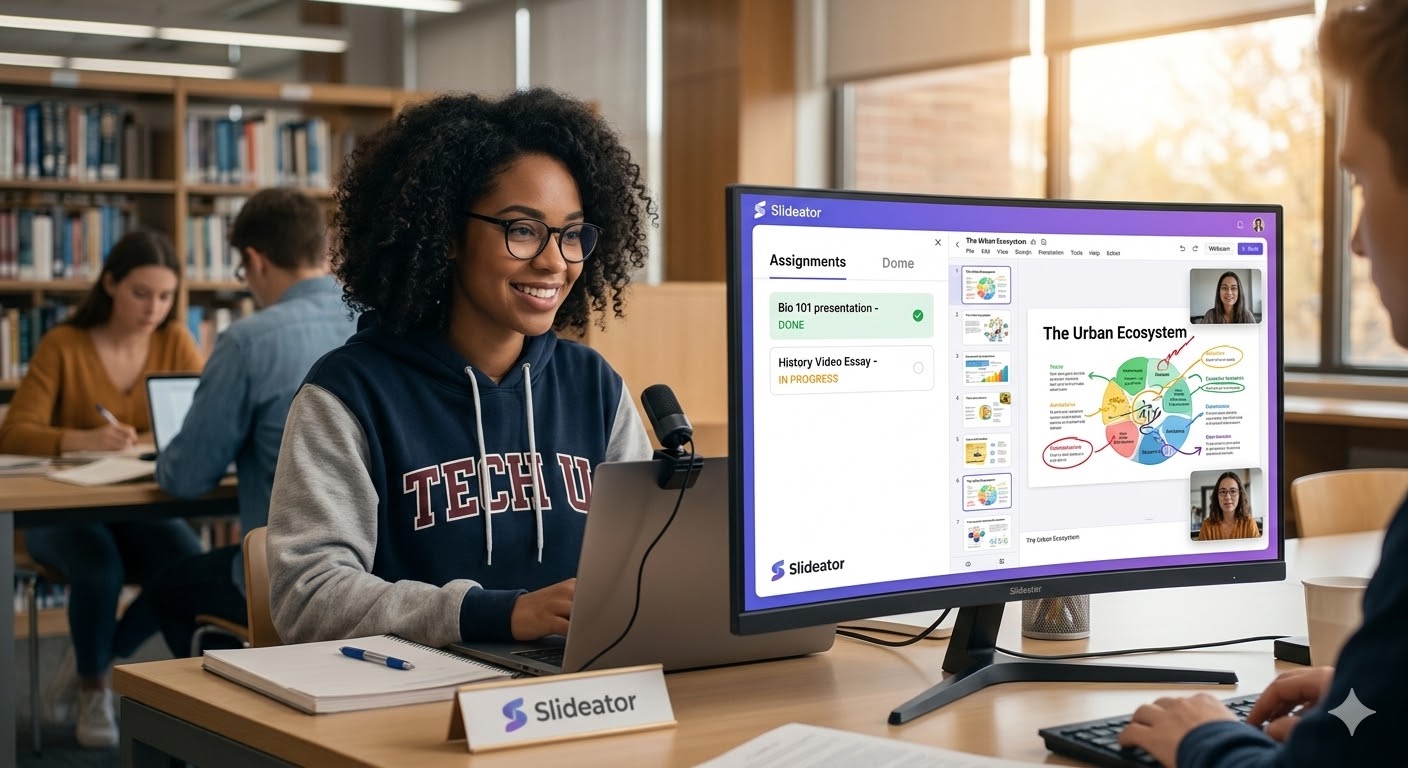
- Students: Record video presentations online free with webcam overlay for assignments, practice public speaking, and compile a showcase portfolio.
- Corporate Trainers & Leaders: Produce onboarding modules, internal briefings, and professional development courses.
The Slideator All-in-One Advantage
| Task / Feature | Fragmented Traditional Tools | Slideator Workspace |
|---|---|---|
| Slide Creation | Separate app (PowerPoint / Canva) | Built-in designer or direct PPTX/PDF import |
| Video Recording | External software (Loom / OBS / Camtasia) | 100% browser record presentation with webcam and audio |
| Live Streaming | Third-party platforms (Zoom / Teams) | Integrated live broadcast studio with auto-replay |
| Course Building | Separate LMS portals (Teachable / Canvas) | Instant course structuring directly on your profile |
Frequently Asked Questions
Is Slideator free to use?
Yes. Anyone can open an account completely free to design slides, record video presentation online free, publish posts, and share content globally.
How to record a presentation on PowerPoint with face on Mac?
Rather than struggling to save PowerPoint as video on Mac with missing audio streams or complex system permissions, open Slideator in Safari or Chrome, upload your PPTX, and capture your webcam overlay effortlessly.
Can I record presentation with webcam and audio on mobile?
Yes. Slideator is fully web-responsive. Access the studio from your smartphone or tablet browser to record presentation with face and slides free on the go.
Can I import my existing slides into Slideator?
Yes. You can import standard Microsoft PowerPoint (.pptx) files, Google Slides, or PDF decks directly into the studio and start recording immediately.
One Platform, Infinite Possibilities
Join thousands of academics, students, and creators building their video presentation libraries with Slideator.
Start Free Today